
Adding accounts later? No problem!
New staff, relievers, students and anyone else who joins you in January or beyond can be added at any time using the same form. Just submit their details and we’ll have them set up within 2 to 3 working days.

Suggestions


Congratulations on choosing Mathematics and Statistics for Aotearoa New Zealand (Second edition). Thank you for your support – we’re looking forward to working alongside your team and ensuring you have a great experience with the programme.
This page is your home base for the months ahead. It walks you through:
We’ll keep this page up to date as each part of the programme goes live, so please bookmark it and come back whenever you need to.
We want to give teachers as much time as possible to become familiar with the new programme in preparation for the 2027 school year, so we're providing Early access for teachers during Term 4, but please keep the following point in mind:
Accounts are created by the Customer Support team at Oxford. We just need one person at your school, usually a curriculum leader or administrator, to send us the details. This happens in two parts, because teachers and students need access at different times.
This happens in two stages; teacher accounts can be set up in early Term 4, while student accounts will be set up closer to Term 1 once class lists are confirmed.
Teachers can set up accounts for early access from Term 4, 2026.
1. Download the account setup spreadsheet.
2. Add one row for each teacher with their first name, last name, school email address and the phase(s) they teach.
3. Save the spreadsheet and email it to our Digital Support team.
We'll create the accounts within 2 to 3 working days. Each teacher will then receive an email from Oxford with their login details and a link to get started. You'll get a confirmation from us once your whole team is done.
Student accounts can be set up as soon as your class lists for the 2027 school year are finalised. There are two ways to do it.
Te Rito is a secure, cloud-based Ministry of Education service that shares student data between your school’s SMS, the Ministry and other approved education systems. It’s free for schools to connect, and more than 1,000 schools have already signed up.
Check whether your school is already connected. Many schools connected during 2025 and 2026, so ask your SMS administrator or principal.
If your school isn’t connected yet, connect your SMS. It usually takes just a few minutes, and all major systems are supported. Step-by-step instructions for each SMS are on the Te Rito resources page.
Work through the privacy checklist on the same page. It covers your school’s privacy policy, your Privacy Officer, and letting parents and whānau know that Te Rito is in use.
Let us know you’re connected using the form below, and we’ll take care of the rest.
Find out more about Te Rito at terito.govt.nz.
Download the student account setup spreadsheet.
Add one row for each student with their first name, last name, school email address, phase and class.
Save the spreadsheet, then email it to our Digital Support team. Remember to attach it to your email.
We’ll create the accounts within 2 to 3 working days and let you know once they’re ready.
New staff, relievers, students and anyone else who joins you in January or beyond can be added at any time using the same form. Just submit their details and we’ll have them set up within 2 to 3 working days.
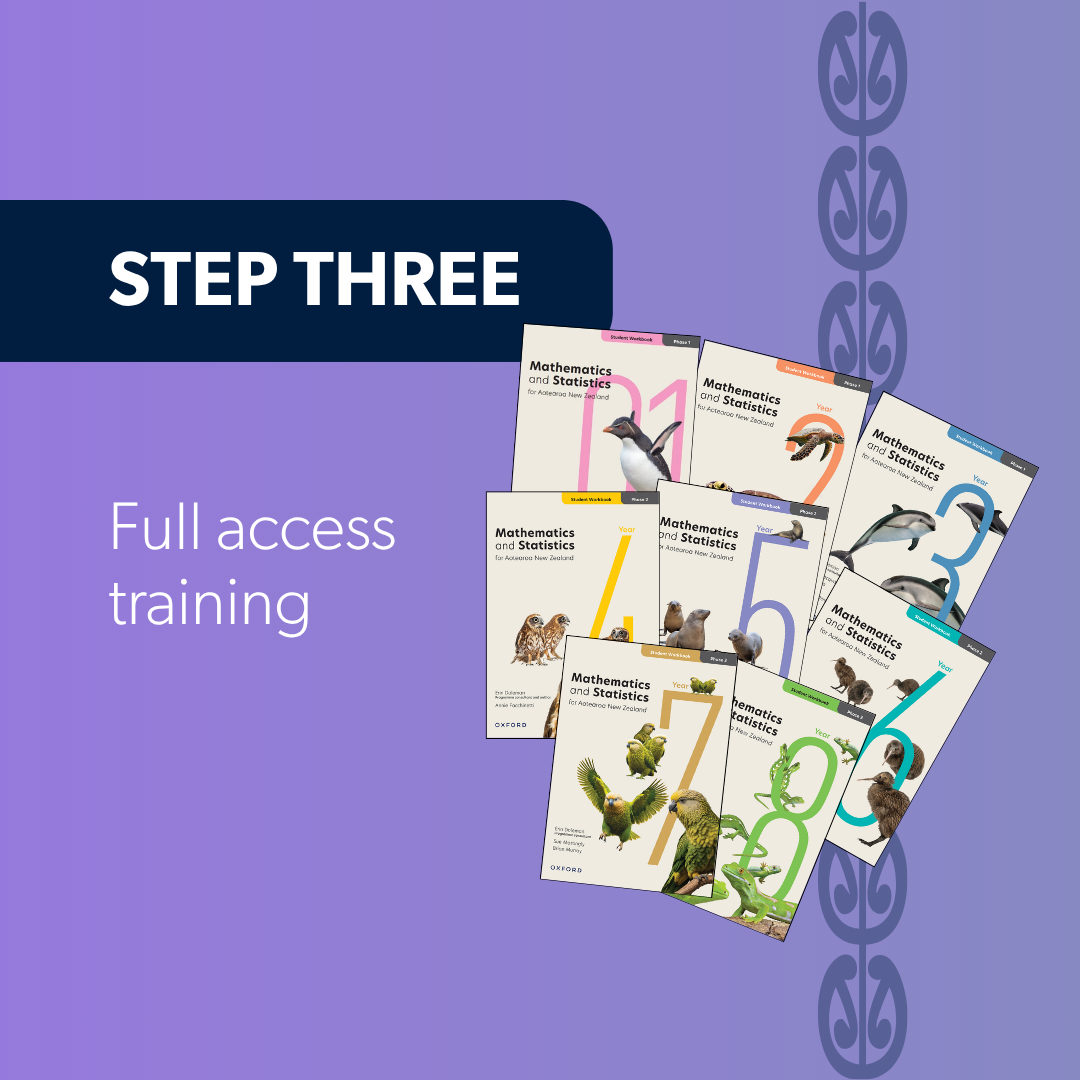
During Term 1, 2027, the Oxford team will run Full access training for teachers. Sessions will run online and in person during Week 1 (on the teacher-only days before students arrive).
Full access training takes teachers through the complete programme, so they’re ready to start teaching from day one.
The Oxford programme will be available from the start of Term 4, 2026 in line with the Ministry of Education timeline. Here’s exactly what’s coming and when:
Components | Term 4, 2026 | Term 1, 2027 |
Student Workbooks (print) | Final version available | Final version available |
Student Workbooks (digital) | Final version available | Final version available |
Teacher Dashboard | Draft version available | Final version available |
Student Dashboard | Not available | Final version available |
Term 4 is about planning and getting familiar with the programme, so early access is built for teachers rather than students.
Stage | Available | What’s included |
Stage 1 – Early access | From Term 4, 2026 |
Draft versions of all teacher planning resources:
|
Stage 2 – Complete access | From Term 1, 2027 |
|
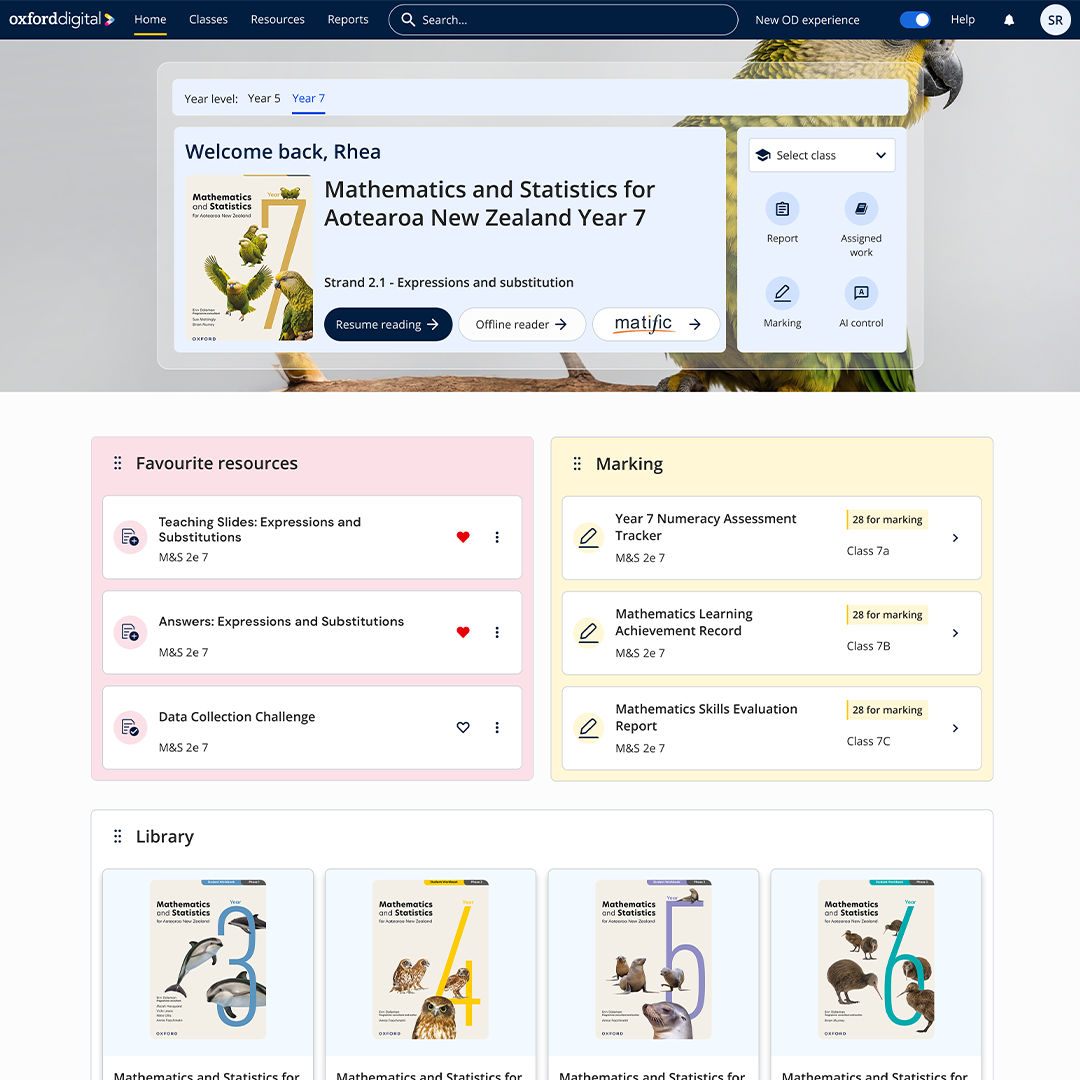
From Term 4 you’ll see a fresh design with a clearer, simpler interface for both teachers and students.
The platform will remember where you last left off in a lesson and take you back with a single click, and teachers can personalise their Teacher Hub to reach assignments, marking and reports instantly.
A range of new tools and reports comes with it, including the multilingual glossary, whole-school insights reporting and the Kea AI student tutor for Phase 3.
We know a change of platform mid-year is the last thing anyone needs, so you’re in control of the timing:
Watch an exclusive preview of the new Oxford Digital – it's now easier to get everywhere you need to go.
For anything at all to do with accounts, training or resources, please contact Customer Service.
Email: cs.nz@oup.com
Toll free: 0800 466 514 (Mon–Fri 9am–5pm NZST)
Chat: